CAD QuickLook
Preview 3D CAD models and 2D drawings right in Finder.
Preview 3D CAD models and 2D drawings right in Finder.
Preview 3D CAD models and 2D drawings right in Finder.
CAD QuickLook adds QuickLook previews and Finder thumbnails for 3D CAD and mesh files and 2D DXF drawings. Press Space on a supported file to open an interactive view — rotate, zoom, and pan a model, or pan and zoom a drawing — without launching a heavy CAD application. Thumbnails appear automatically in Finder's icon and gallery views.

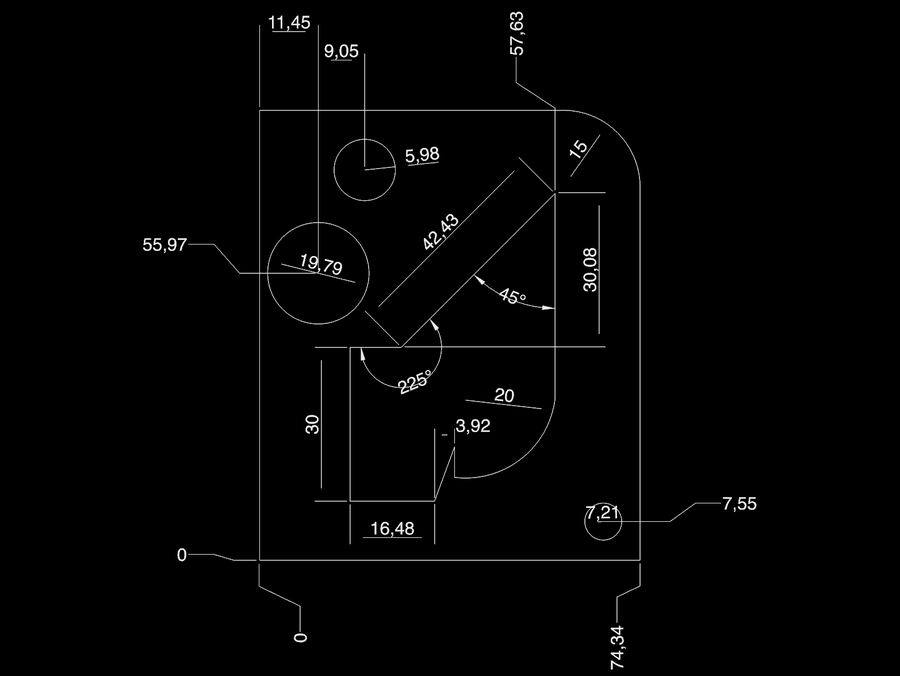
A 2D DXF opens flat, viewed from above, with pan and zoom. Lines, arcs, circles, polylines, splines, blocks, dimensions, text, and solid and patterned hatches are drawn. Embedded images, leaders, and 3D solids are not drawn yet.
3MF, Rhino 3DM, and DXF files are Z-up, and CAD QuickLook turns them upright. glTF and FBX carry their own orientation. STEP, IGES, and AMF don't say which way is up, so the CAD QuickLook app has a setting for them: Z up (the default, and what most CAD software uses) or Y up.
CAD QuickLook is built on open-source libraries, including Open CASCADE Technology (OCCT) for STEP and IGES, and openNURBS for Rhino 3DM. OCCT is licensed under the GNU LGPL v2.1; the app links it dynamically, and you are free to rebuild it and run a modified copy. Open-source notices, source, and rebuild instructions →
CAD QuickLook makes no network requests and collects no analytics, identifiers, or telemetry. It reads only the file you preview. Read the full privacy policy →